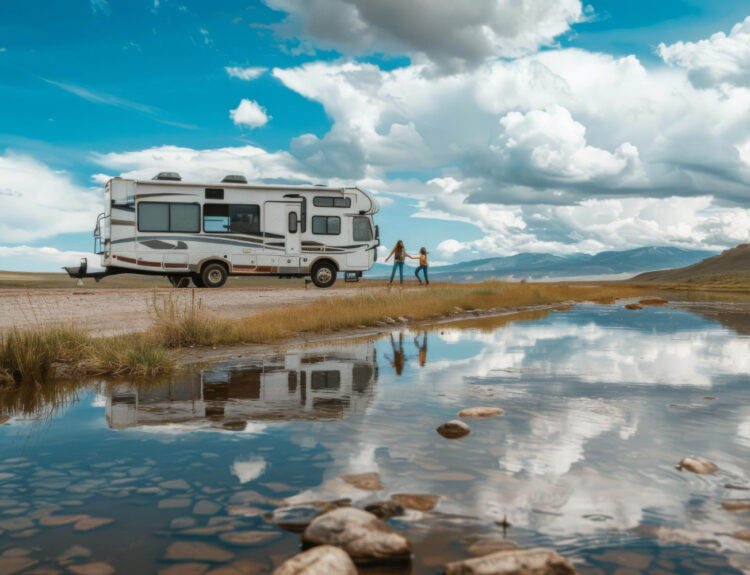
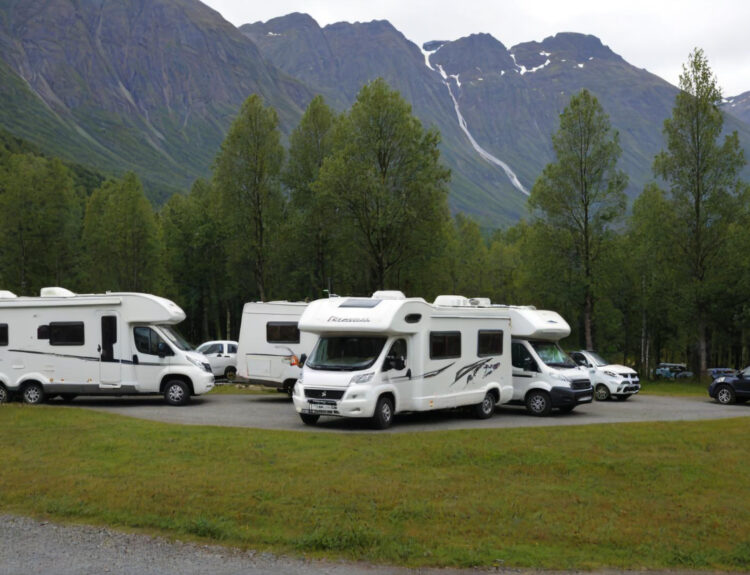
Over the last few years, the expectations of RV travelers have changed drastically. Today’s guests aren’t just coming for the campfire and scenery, they’re also bringing remote jobs, virtual classrooms, streaming platforms, and smart devices with them.
Did you know? Remote work grew by over 150% between 2019 and 2025. More RV owners are living and working on the road full-time, making flexible, reliable storage more important than ever for travel downtime or seasonal breaks.
If you’re running a campground or RV park, providing consistent, high-quality Wi-Fi is no longer a luxury, it’s a business-critical necessity. This guide will walk you through how to evaluate, install, and maintain your park’s internet, plus how to market it effectively to increase bookings and guest satisfaction.
What You’ll Find in This Article
- Why Wi-Fi is an essential amenity for RV parks in 2025
- How to assess your internet needs based on guest usage and park size
- Best practices for building and maintaining a reliable network
- Tips for promoting your upgraded Wi-Fi on your website and in reviews
- How RoverPass can help you showcase amenities and boost bookings
- Practical answers to the most common Wi-Fi setup questions
Evaluating Your RV Park’s Internet Needs
Before jumping into equipment and installation, it’s critical to take a step back and evaluate exactly what kind of internet infrastructure your park needs.
Why this step matters
Each RV park is different. A 30-site park in the forest with light seasonal traffic will have very different internet needs than a 100-site resort-style campground with a pool, game room, and long-term guests.
To set up a network that actually meets demand (without overspending), consider the following:
1. Estimate Guest Volume and Peak Usage
Start by identifying your maximum guest capacity and estimating how many devices will connect per RV. A couple might use 4–6 devices (phones, tablets, laptops), while a family could easily hit 10+. Multiply that by your total capacity to determine your bandwidth needs.
2. Understand What Guests Are Doing Online
Today’s campers aren’t just checking email. Many are working remotely, streaming video, video conferencing, and even gaming. These high-bandwidth activities require stronger, faster connections. Light browsing needs far less, but your network should be built for peak demand, not just averages.
3. Identify Coverage Zones
Map out where signal strength matters most. Don’t just think about individual campsites, consider areas like:
- Check-in and reception
- Clubhouses or common areas
- Poolside seating
- Laundry rooms
- Far-end sites that may be furthest from the router
4. Consider Budget and Scalability
Set a realistic budget, but don’t go cheap. A weak or unreliable network can hurt your reputation more than not offering Wi-Fi at all. If you can’t cover your whole park upfront, plan a scalable setup that can grow with you.
Tips and Best Practices for Setting Up Wi-Fi at Your RV Park

Once you understand your needs, the next step is building the system. Here are the top strategies and best practices for a reliable RV park Wi-Fi setup.
Choose a Suitable Location for Your Router or Antenna
Placement is key. Install your main router or antenna:
- In a central location to distribute signal evenly
- At an elevated position for better line-of-sight transmission
- Away from obstructions like metal buildings, thick trees, or water tanks
Regularly Update and Maintain Your System
Like any tech, Wi-Fi gear needs upkeep.
- Update firmware regularly to patch security flaws and improve performance
- Physically inspect hardware for signs of wear, corrosion, or obstruction
- Clean and secure all outdoor equipment against weather
Use a WiFi Extender or Booster to Improve Signal Strength
Signal drops off with distance. Use:
- Range extenders to reach distant sites
- Mesh systems to maintain fast speeds across the whole park
- Point-to-point bridges if you’re covering large areas or multiple buildings
Secure Your Network with a Password and Firewall
Guests expect open access, but you must still secure your network:
- Use strong, unique passwords (changed regularly)
- Set up a firewall to block malicious traffic
- Create a guest network separate from any business-critical systems
Test Your Connection Regularly
Use free tools like Speedtest.net to monitor:
- Download and upload speeds at various times of day
- Connection stability across different areas of the park
- Buffering or lag when guests stream or Zoom
Survey Your Guests
Use email follow-ups or short onsite surveys to get feedback on:
- Speed and coverage
- Access issues
- Suggestions for improvement
This real-world data helps guide upgrades and keep guests happy.
Marketing Your New Amenities
Once your RV park Wi-Fi setup is running smoothly, it’s time to let the world know. Wi-Fi has become such an important amenity that promoting it can be a major competitive advantage.
Highlight Wi-Fi in Your Listings and Website
Make sure your upgraded internet is clearly mentioned:
- In your amenity list
- On your homepage banner
- Inside booking descriptions
- With phrases like “high-speed internet,” “remote work-ready,” or “streaming-friendly”
Use Guest Reviews to Your Advantage
When guests praise your Wi-Fi, highlight their testimonials:
- Add quotes to your homepage
- Include them in social media posts
- Mention Wi-Fi performance in email newsletters
If your current website doesn’t highlight amenities like high-speed Wi-Fi, consider using tools designed specifically for campgrounds, like RoverPass Premium Website Builder.
A modern, mobile-friendly site makes it easy for guests to see what you offer, and book with confidence. Look for features like customizable amenity sections, guest photo galleries, and easy content updates to stay current and competitive.
Why RV Park Wi-Fi Setup Matters in 2025 and Beyond
The travel industry is changing. Today’s guests are tech-savvy, mobile, and connected. And they’re booking RV stays based on more than just scenery and hookups.
54% of Travelers Work Remotely
This number is only growing. That means more people looking for campgrounds where they can work during the day and relax at night, and those people expect smooth, fast, secure Wi-Fi.
Seamless Connectivity Impacts Guest Experience
If your internet is spotty or slow:
- Remote workers will leave bad reviews
- Families will be frustrated trying to stream movies
- Guests might choose a competitor next time
Solid Wi-Fi turns a first-time guest into a regular.
Stay Competitive in the Modern Market
More parks are catching on. Offering great Wi-Fi now helps you stand out in crowded markets, especially with younger and longer-stay travelers who book based on digital needs
How to Get Started with Your RV Park Wi-Fi Setup
Not sure where to begin? Here’s a step-by-step path to get your project rolling.
1. Evaluate Current Infrastructure
Assess what you currently offer. Is there any coverage? How fast is it? Are guests complaining?
2. Talk to Experts
Work with providers who specialize in campground internet solutions. They understand the unique challenges (large outdoor areas, seasonal traffic, limited wiring) and can guide you to the right setup.
3. Plan a Phased Rollout
If you’re starting from scratch, consider a phased rollout:
- Cover main areas first
- Expand to all campsites later
- Use feedback and analytics to improve
4. Explore Tools and Demos
If you’re updating your website too, schedule a demo with RoverPass to see how their tools can help you promote your park’s digital amenities.
Final Thoughts
In today’s connected world, a well-planned and secure RV park Wi-Fi setup isn’t just a nice-to-have, it’s a must. When your network is fast, stable, and thoughtfully maintained, it leads to:
- More satisfied guests who can work, stream, and stay connected
- Stronger online reviews that reflect a seamless experience
- Increased bookings from travelers prioritizing connectivity
- Improved digital presence through better visibility and reputation
By combining strong infrastructure with smart marketing (like using RoverPass’s tools), you give your guests a modern digital experience without sacrificing the natural charm of camping.
Frequently Asked Questions (FAQs)
Q1: Why is Wi-Fi a must-have in RV parks today?
A: Many travelers rely on internet for remote work, education, and entertainment. Wi-Fi has become a core amenity that affects guest satisfaction and booking decisions.
Q2: How do I know what internet capacity my RV park needs?
A: Estimate peak guest numbers and average devices per RV, then account for high-usage activities like streaming or video calls to determine total bandwidth.
Q3: What are the best ways to improve Wi-Fi coverage at a large RV park?
A: Use Wi-Fi extenders, mesh networks, or outdoor access points placed strategically between buildings and campsites to ensure even coverage.
Q4: How can I secure my RV park’s Wi-Fi network?
A: Protect your system with strong passwords, guest-only networks, firewall protection, and routine firmware updates.
Q5: How can I promote my RV park’s Wi-Fi to attract more guests?
A: Highlight it on your website, showcase guest reviews that mention speed or reliability, and make it a key point in your online booking descriptions.